
v1.3
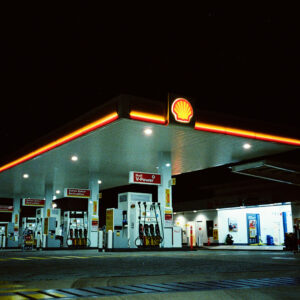
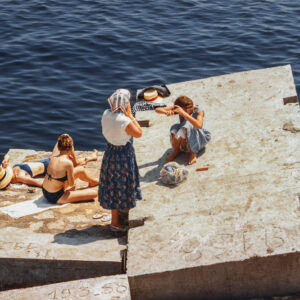
Cinestill 800T on an image by [Photographer]
Cinestill 800T
.CUBE
.XMP
.ICC
ANDP FilmStyles Color Lab is a desktop calibration engine built for photographers who would like to work with LUTs in Capture One.
Instant download · No subscription · Works offline
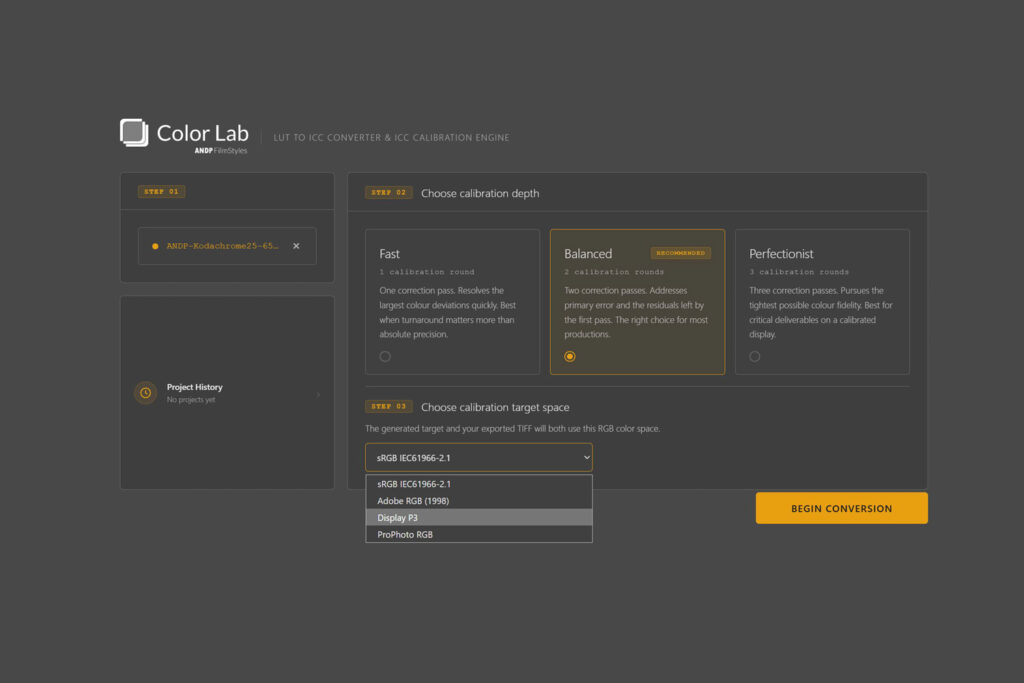
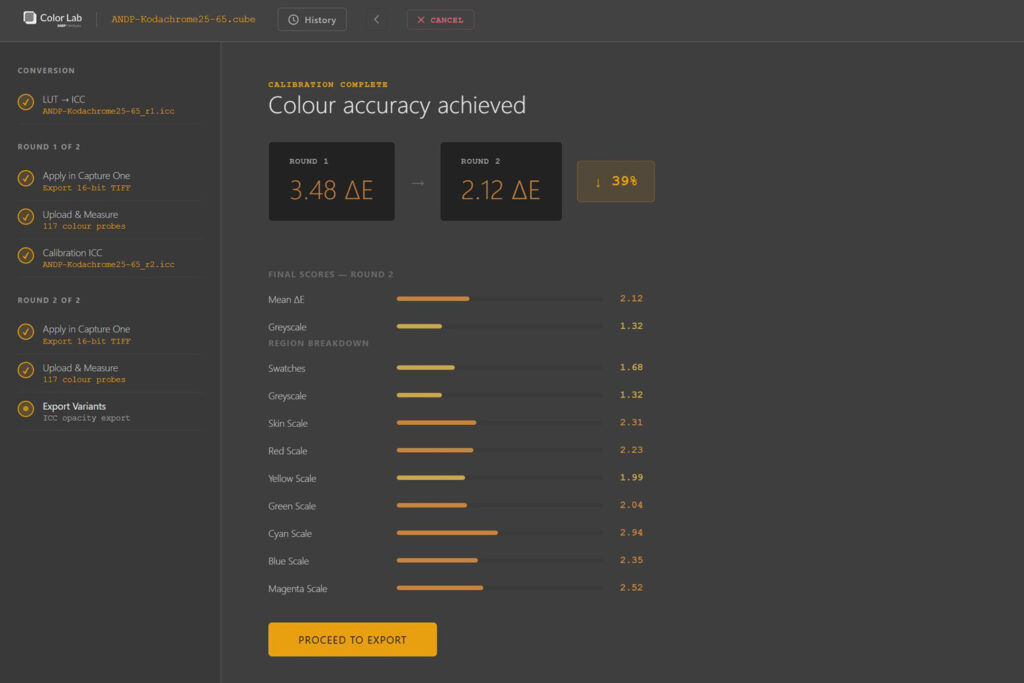
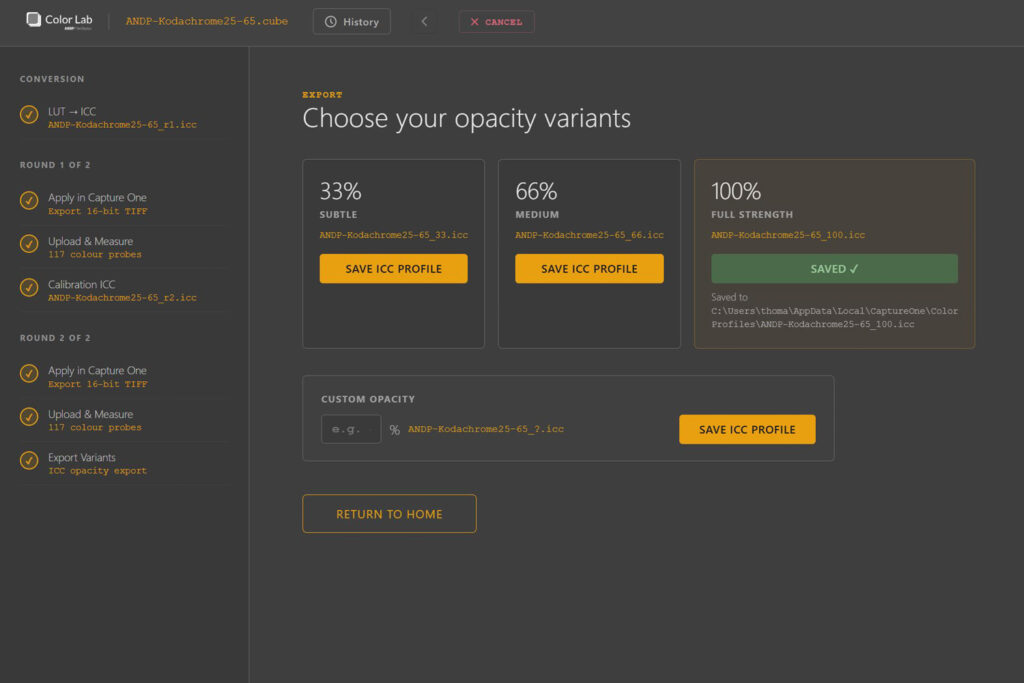
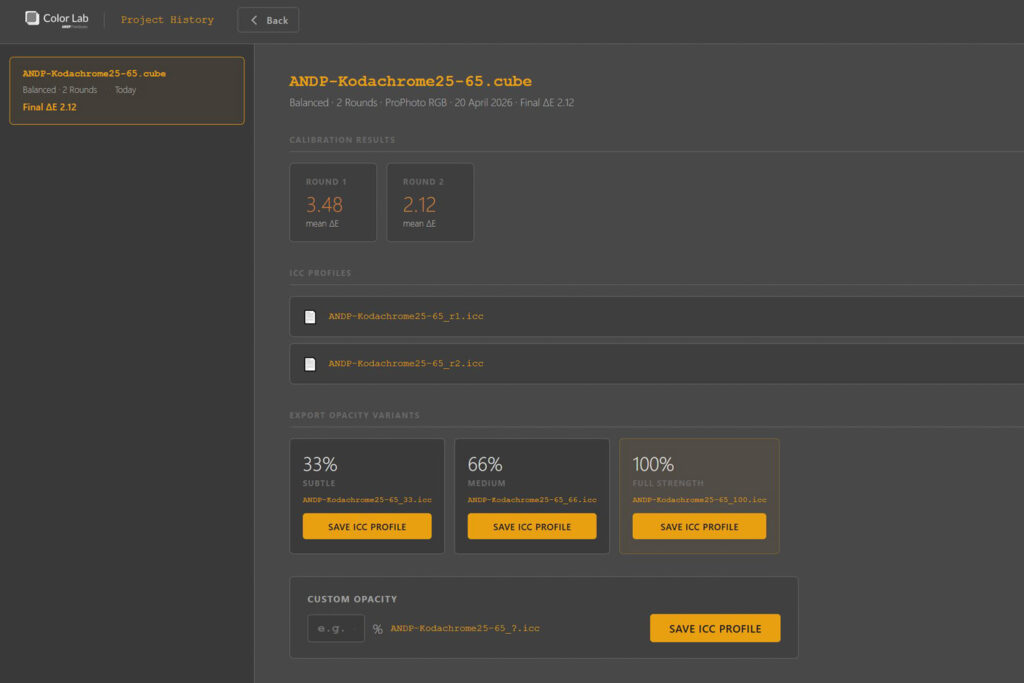
Import any .CUBE LUT and choose RAW Workflow for direct RAW Camera Profile export, or RAW + TIFF Workflow for measured calibration and ICC export.
RAW Workflow prepares the conversion for camera-profile export. RAW + TIFF Workflow generates an initial ICC and a colour reference image for Capture One.
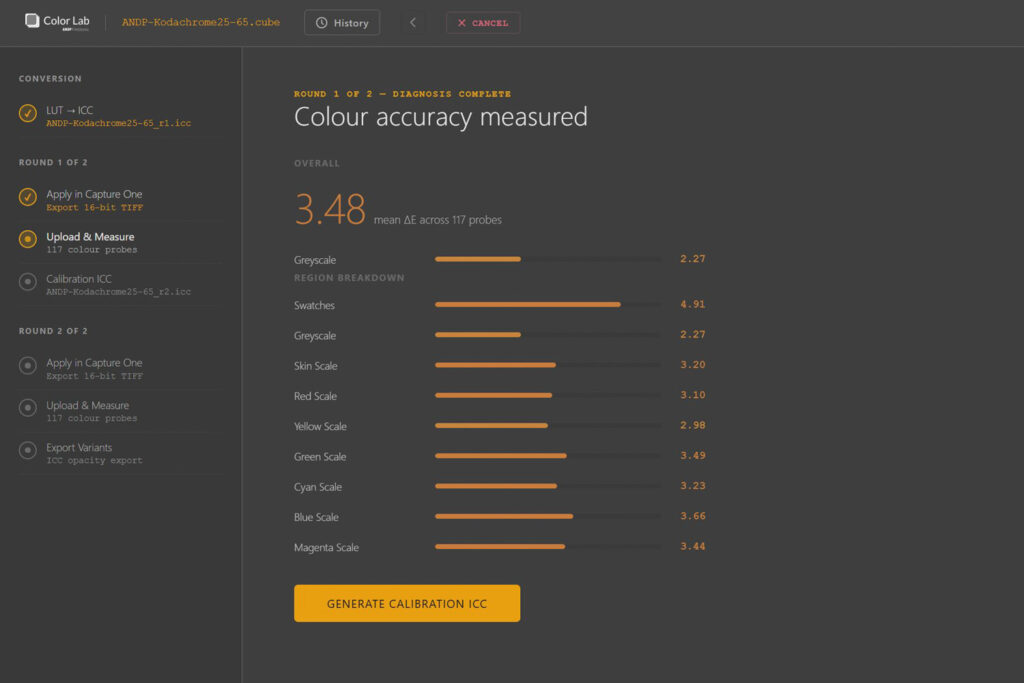
In the TIFF calibration path, Color Lab analyses Capture One exports across 120 probe points, reports CIEDE2000 ΔE by region, and shows Target / Result swatch evidence for the final round.
Save calibrated ICC profiles at full or custom opacity, or package the look with a camera .ICM / .ICC into a Capture One RAW Camera Profile. Every project is stored in history for re-export.
ICC profiles and generated RAW Camera Profiles are built for Capture One 21 and later.
RAW Camera Profile support is now available for Capture One. New RAW Workflow goes from LUT conversion directly to RAW Camera Profile export, while RAW + TIFF Workflow keeps the measured ICC calibration path. Export and history screens now include RAW Camera Profile controls with custom Capture One naming. Final TIFF results and history entries show clearer Target / Result swatch comparison evidence. Trial policy updated to 3 conversion credits, with RAW Camera Profile export available in trial at 100% opacity.
New R1 conversion and R2 calibration engines. ColorCard9001 with refined probe layout replaces ColorCard9000. White-point crop view: see exactly what the app measured when white-probe ΔE is elevated. Capture One Highlight Fix style (.costyle) generated automatically to compensate for C1 highlight clipping behavior. Six new R2 calibration tuning parameters for advanced control. Intel Mac support added.
RAW Camera Profile support is now available for Capture One. New RAW Workflow goes from LUT conversion directly to RAW Camera Profile export, while RAW + TIFF Workflow keeps the measured ICC calibration path. Export and history screens now include RAW Camera Profile controls with custom Capture One naming. Final TIFF results and history entries show clearer Target / Result swatch comparison evidence. Trial policy updated to 3 conversion credits, with RAW Camera Profile export available in trial at 100% opacity.
New R1 conversion and R2 calibration engines. ColorCard9001 with refined probe layout replaces ColorCard9000. White-point crop view: see exactly what the app measured when white-probe ΔE is elevated. Capture One Highlight Fix style (.costyle) generated automatically to compensate for C1 highlight clipping behavior. Six new R2 calibration tuning parameters for advanced control. Intel Mac support added.
Cinestill 800T on an image by [Photographer]
Agfa Optima 100 on an image by [Photographer]
Agfa RSX II 100 on an image by [Photographer]
Reviews
There are no reviews yet.